Anyone who runs a study site knows the pattern. You publish a set of revision notes for Year 10 science, a few weeks later the inbox fills up, and one message reads like this: "We run a homework help portal and would love to swap a link with your textbook guide." The sender is polite, the request is tiny, and you have no idea whether their site is a respected resource or a thin page farm. Teachers, tutoring centers and small education publishers face this decision constantly, usually without a marketing budget or an SEO subscription.
This article walks through one practical way to answer that question quickly, using a quick authority screen on Domain Rating Check as the example. It is a web tool, not a magic verdict machine, and I will be direct about where it helps and where it does not.
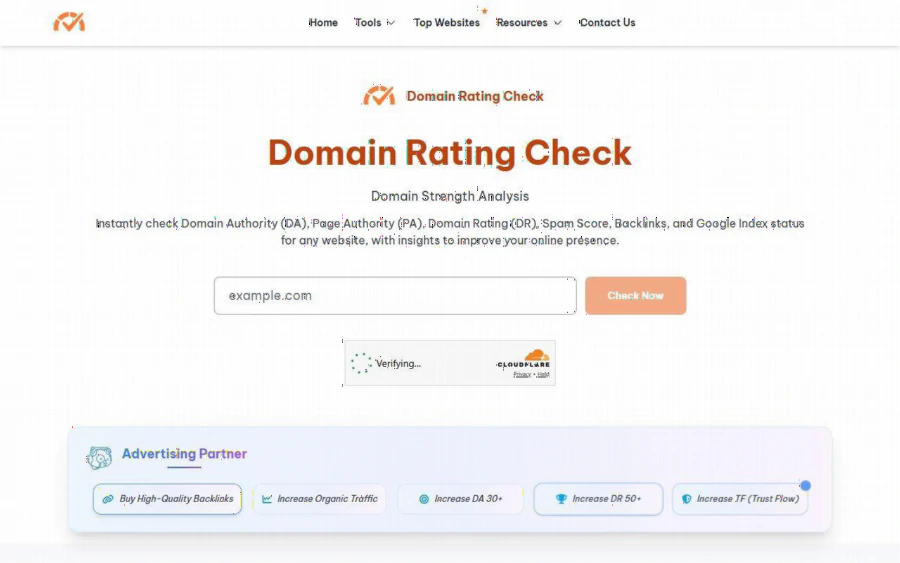
Domain Rating Check homepage with a domain box and a Check Now button
The situation: a link offer lands in a textbook editor's inbox
Picture Linh, who edits a small site of free study guides and textbook summaries for secondary students. She has two part-time contributors and no SEO staff. This week she received three requests: a link swap from a homework help portal, a guest article proposal from an exam tips blog, and a "sponsored resource" offer from a site she had never heard of.
Her instinct is sensible. A link from a trusted education site can add credibility, and a link from a spammy one can quietly hurt the reputation she spent years building. But her options for checking are awkward. A full SEO suite costs more than she wants to commit to for occasional questions, and opening four different tools to compare numbers eats an evening. What she needs is a fast first filter, a way to put every request through the same few questions before she spends real time on it.
That filter is where a multi-metric checker fits. Domain Rating Check describes itself as a way to "instantly check Domain Authority (DA), Page Authority (PA), Domain Rating (DR), Spam Score, Backlinks, and Google Index status for any website." In practice that means one search box in place of several logins.
What the tool reports
According to the homepage, the metrics it names include:
- Domain Authority (DA) and Page Authority (PA), the Moz style scores
- Ahrefs Domain Rating (DR)
- Spam Score, backlinks and Google index status
- Organic traffic
- Majestic Links, Trust Flow (TF) and Citation Flow (CF)
The page also mentions secondary figures such as Moz Rank, Majestic referring domains and Topical Trust Flow. The flow is simple. You type a domain, complete a Cloudflare verification, click Check Now, wait a few seconds and read the results. The site states that the wait "may take a few seconds depending on the domain size," so expect something quick but not instant on larger domains.
There are also dedicated pages. The DA and PA checker, the Ahrefs domain checker, the Trust Flow checker and a general domain metrics checker all sit under the Tools menu, so you can jump straight to the score that matters for your question.
A five minute routine for each offer
Here is how Linh turns the tool into a habit rather than a one off.
1. Run the sender's domain. Paste the homepage of the site that wrote to you, not the page they link to. Note DA, DR and Spam Score.
2. Check Trust Flow and Citation Flow. The Trust Flow page explains that Citation Flow reflects link quantity and influence, and that a large gap of CF over TF may point to low quality or manipulative links. For a homework portal with a flashy CF and a tiny TF, that is a reason to slow down.
3. Look at the topic fit. The tool will not read the site for you. Spend two minutes on the actual pages. Does it publish real educational material, or recycled filler?
4. Compare with your own domain. Run your own site once so you know your baseline. If a stranger's site is far weaker than yours, a link swap rarely helps you.
5. Decide and log it. Write the numbers and your decision in a shared sheet. Next time the same sender returns, you already have an answer.
None of this takes long, and it replaces gut feeling with a record. For a small team, the record matters as much as the number.
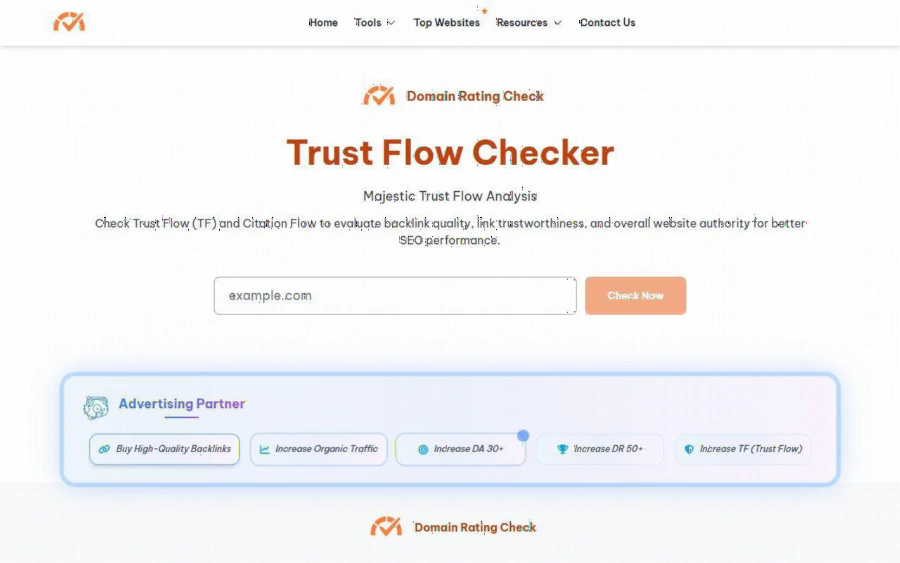
Trust Flow Checker page from Domain Rating Check showing Majestic Trust Flow analysis
Reading the numbers without over trusting them
The site gives rough benchmarks that are useful as a first sorting tool. On the homepage, a DA of 50 or more is described as strong and a DR of 70 or more as authoritative. On the Trust Flow page, a TF of 0 to 10 is described as very low trust with high spam risk, 11 to 30 as moderate, 31 to 50 as strong backlink quality and 51 and above as very high trust.
Those bands are handy, but a few cautions keep you honest:
- These are third party scores. DA comes from Moz, DR from Ahrefs and TF from Majestic. None of them is a number Google uses directly. The Trust Flow page itself says TF is not a direct Google ranking factor and that its effect is indirect.
- A niche site can be excellent with modest numbers. A small, careful site about a single school subject may score low simply because it is young or narrow. Judge relevance, not only the score.
- A high score does not clean up a bad page. A site can have strong metrics and still publish content that does not belong next to a student audience.
- Different tools disagree. If DA and DR tell different stories, treat that as a prompt to look at the site by hand, not as a mistake in the tool.
In other words, the numbers narrow the list. Your judgment finishes the job.
Strengths and limits, stated plainly
What works well. The main advantage is convenience. Several authority scores arrive from one search box, with no signup step visible on the pages I reviewed. The metric explanations and benchmarks sit right on the page, which helps a non specialist understand what a figure means. The Trust Flow and DA pages let you start with the question you actually have.
What to keep in mind.
- I could not find any pricing, plan, limit or free tier described on the pages I read, so I cannot tell you how many checks you can run or whether that changes. Check the site yourself before building a workflow around it.
- The pages carry advertising and sponsored placements, including links to backlink and SEO service providers. The tool and the ads are separate things, but if you are cautious about what appears beside a school audience, read the page before sending students or parents to it.
- The Trust Flow page showed no live figures for its example domain in my review, so run a real domain to see the output for yourself.
- It is an estimator of third party data. It does not audit a site's content, safety or reputation, and it will not tell you whether a link will rank anything.
Who should use it, and who should not
A good fit:
- Teachers or tutors who run a study blog and get link requests
- Small education publishers screening guest post or exchange offers
- Course creators checking whether a site that wants to feature them looks credible
- Students learning what DA, DR and Trust Flow mean before an SEO class
Probably not a fit:
- Agencies that need historical charts, rank tracking or full backlink exports at scale, who will want a dedicated suite
- Anyone expecting the tool to guarantee rankings, traffic or a safe link. No metric tool can promise that
- Teams that need documented service levels or support terms, which I did not see described
How to get started this week
1. Make a short list of the last five link requests you received.
2. Open the homepage and run your own domain to record a baseline for DA, DR and TF.
3. Run each sender's domain, then open the DA and Trust Flow pages for any that look borderline.
4. Add the figures to a simple sheet with a column for relevance and a column for your decision.
5. Reply to the senders who pass, and politely decline the rest.
Treat the first session as an experiment. If the results match what you see when you read the sites by hand, keep the habit. If they do not, you have learned the tool's limits cheaply.
The takeaway
Education sites live on trust, and links are one of the ways that trust travels. A short, repeatable screen for every offer protects that trust without turning your week into an SEO project. Domain Rating Check will not make the decision for you, but it puts the common authority scores in one place so the decision is faster and better documented. For editors like Linh, that is often exactly the right amount of tooling.